
Microsoft Teams is one of the most widely deployed collaboration platforms in enterprise IT today and it’s rarely hard to convince organizations already operating and integrated into Microsoft 365. RoomReady’s part starts once that decision is made: turning Teams into a room experience that works the same way in every office, backed by meeting room solutions and audio visual solutions built to scale. Here’s what that looks like in practice, from the platform itself through to the room it runs in.
What Enterprises Get With Microsoft Teams
For IT teams standardized on Microsoft 365, choosing Microsoft Teams for meetings and calls is usually the easy part. It’s tightly woven into Outlook, SharePoint, and OneDrive, and Teams carries the compliance and security certifications that regulated industries like financial services and insurance need before approving any collaboration tool.
Scale is where it gets more complicated. Microsoft Teams has one of the largest hardware ecosystems of any conferencing platform, which is genuinely useful right up until an IT director has to choose from it fifty times over, once per location.
From Software to a Working Microsoft Teams Room
Picking Teams answers the software question. It doesn’t answer how many cameras a boardroom needs, whether the network can handle six simultaneous room calls, or which of the dozens of compatible devices from Logitech, HP Poly, Neat, and Microsoft’s own Surface Hub line actually fits a given space.
That volume of choice is a real advantage of the Microsoft Teams Rooms ecosystem, but it’s also exactly where a strong AV integrator earns their keep. Our job is to help your organization make the right decision for its own spaces, standards, and users. RoomReady brings the structure and enterprise experience to narrow a wide field into the Microsoft Teams room setup that fits, then makes sure that choice holds up consistently across every office. Here’s how RoomReady handles that in practice.
Choosing the Right Display Configuration for Teams Rooms
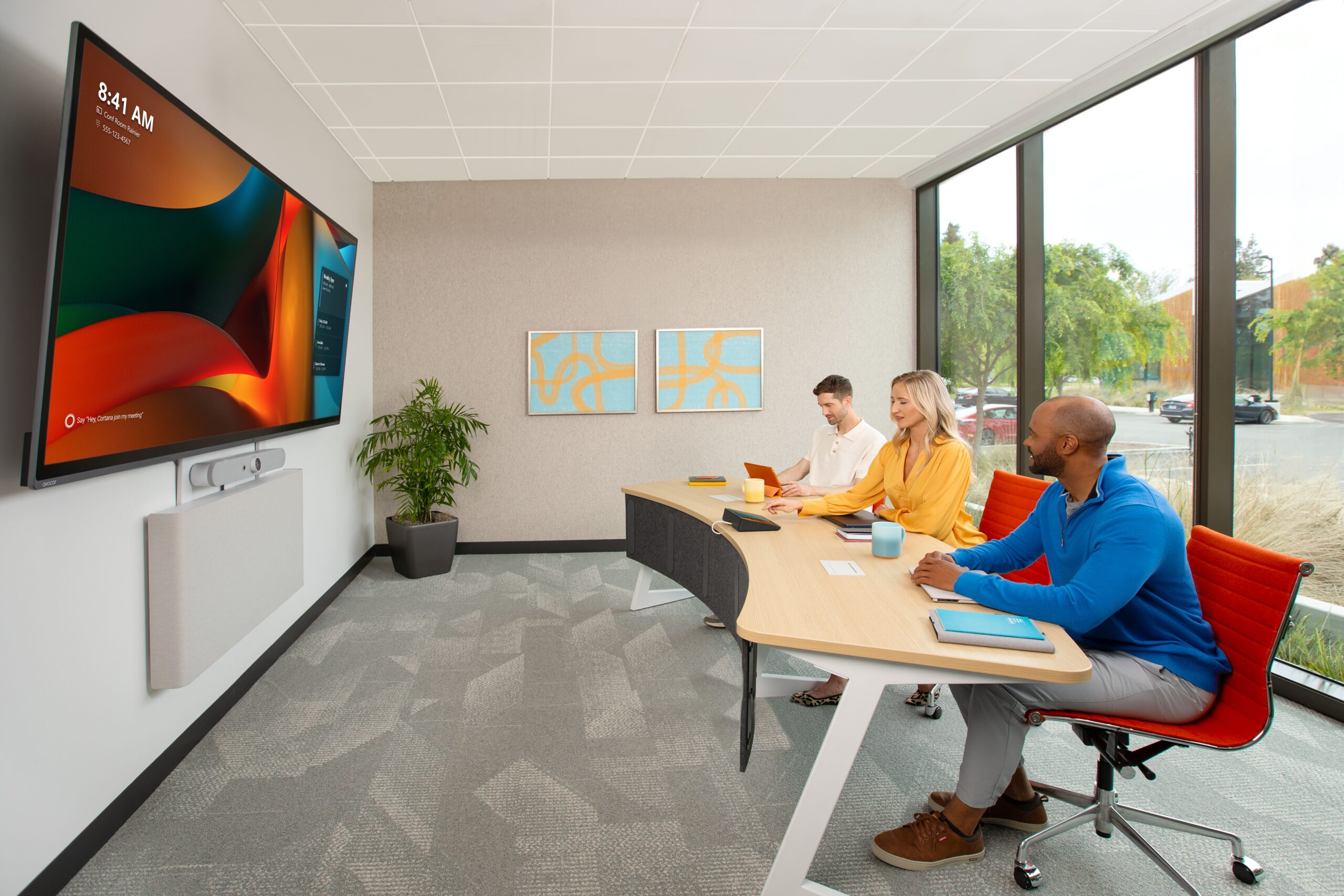
The display setup is one of the first decisions that shapes how a Microsoft Teams Room actually feels to use. The right configuration depends on room size, how the space is used, and whether the priority is seeing remote people, sharing content, or both. RoomReady matches the display strategy to each room rather than defaulting every space to the same layout.
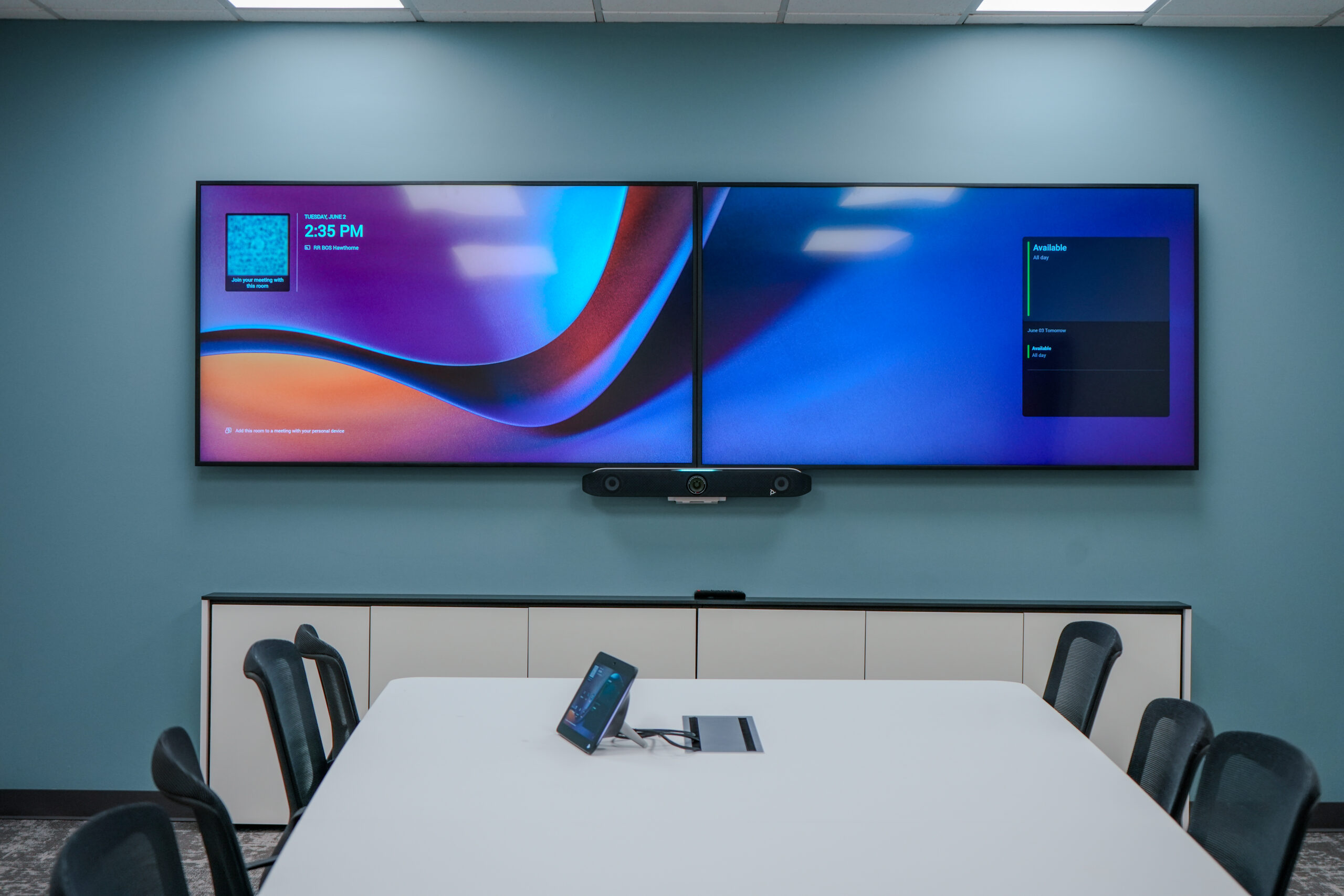
Dual Displays for Gallery and Content Sharing
Two front-of-room displays let a room dedicate one screen to the remote participant gallery and the other to shared content, so neither competes for space. This works well in presentation-heavy and sales environments where reading the room and watching reactions while content is on screen is valuable. Front Row is supported across dual 16:9 displays, which makes this a flexible option for rooms that already have two matched screens. The tradeoff is wall space and centering: two large landscape displays side by side can push content off-center relative to the table, which is a real consideration in rooms where the geometry is not symmetrical.
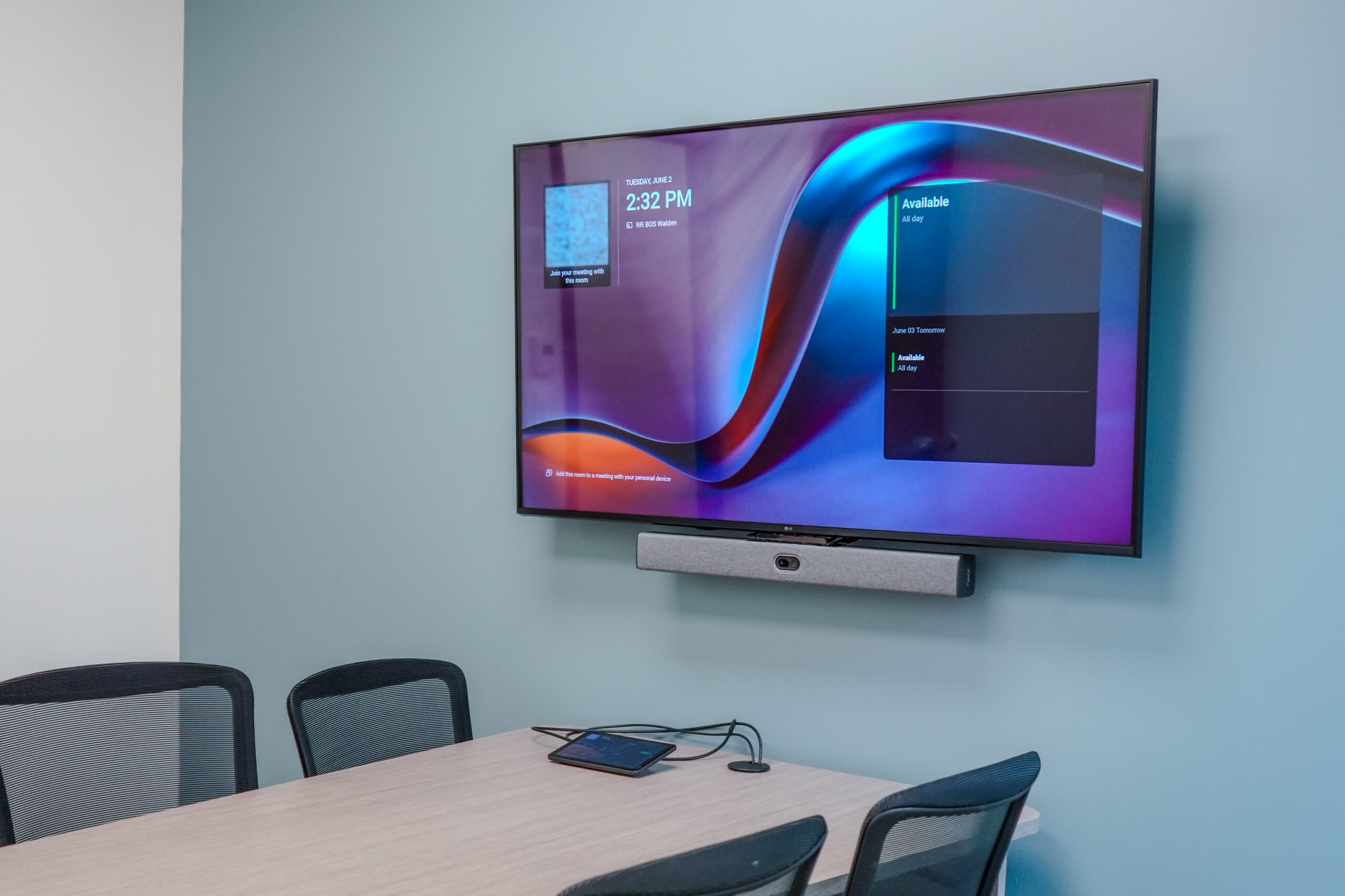
Single Display for Small Rooms
For huddle spaces and smaller rooms, a single display is usually the right call. It keeps the setup simple, centers content and people on one screen, and pairs cleanly with an integrated camera and audio bar. Front Row still runs on a single 16:9 display, so smaller rooms are not giving up the modern layout experience, they are just fitting it to a space where a second screen would add cost and clutter without adding value.
RoomReady's Approach to Deploying Microsoft Teams
Every Microsoft Teams room RoomReady builds goes through the same three-part standard, regardless of industry or footprint size.
Easy to Buy: Design, procurement, and AV installation services for Microsoft Teams Rooms devices from Logitech, Poly, Yealink, Neat, and Surface Hub, coordinated through a single point of contact rather than five separate vendor relationships.
Easy to Deploy: Assembly and testing happen off-site, ahead of your installation date, so the on-site work is fast and the disruption to your space stays minimal.
Easy to Use: One standard experience in every Microsoft Teams room your organization operates, so a room in Boston behaves exactly like a room in Chicago. That consistency holds regardless of industry or how many locations are involved.
Microsoft Teams Across Industries
A regional insurance carrier standardizing meeting rooms across fifteen branch offices has a different starting point than a manufacturer rolling out Teams across three production facilities, but the same standard applies to both: whichever office someone walks into, the room needs to work exactly the way it did in the last one.
Microsoft 365’s compliance credentials make Microsoft Teams a common default in financial services and insurance specifically, while manufacturers and other general enterprise organizations tend to adopt it simply because it’s already the productivity suite the rest of the business runs on. Either way, RoomReady standardizes the room side of that adoption the same way, project after project.
Our corporate AV solutions are built around that repeatability from day one. And for most enterprises, Teams is rarely the only platform in the building. See our full breakdown of the industries we work with, from financial services to manufacturing and insurance.
One Integrator, Any Platform
RoomReady works as a tech-agnostic AV integrator across every platform we support. Plenty of organizations run Microsoft Teams in some offices and Google Meet, Zoom Rooms, or Webex in others, and that mix isn’t something you need to untangle before calling us.
It’s exactly the kind of environment we standardize under one model. Explore our full list of supported platforms to see how we standardize across each one.
Looking Ahead: AI-Powered Microsoft Teams Rooms
Intelligent camera framing, live transcription, and Copilot-assisted meeting summaries are becoming standard features in Microsoft Teams Rooms. RoomReady factors that roadmap into every design, so the room you build today is ready for where Teams is headed, not just where it is now.
Microsoft Teams FAQs
Here’s what comes up most often when enterprise IT and AV teams start planning a Microsoft Teams deployment.
What hardware is compatible with Microsoft Teams Rooms?
Microsoft Teams Rooms devices are available from providers including Logitech, Poly, Yealink, Neat, and Microsoft’s own Surface Hub line, covering everything from huddle spaces to full boardrooms. RoomReady factors room size, use case, and existing infrastructure into which of those devices we recommend.
Is Microsoft Teams suitable for enterprise video conferencing?
Yes. It’s the platform most enterprise IT teams already standardize on, particularly alongside Microsoft 365. The harder part is rarely the software itself; it’s whether every room, across every office, ends up running the same compatible hardware without gaps.
Can RoomReady support Microsoft Teams alongside other platforms in the same organization?
Yes. Mixed-platform environments are common, and RoomReady supports Microsoft Teams alongside Google Meet, Zoom Rooms, and Webex under a single standardized deployment and support model rather than treating each platform as a separate contract.
Ready to Bring Microsoft Teams Rooms Up to One Standard?
However many Microsoft Teams rooms you’re standardizing, RoomReady can help make each one work exactly like the last.